Intro to Warp
The terminal is no longer a dumb pipe
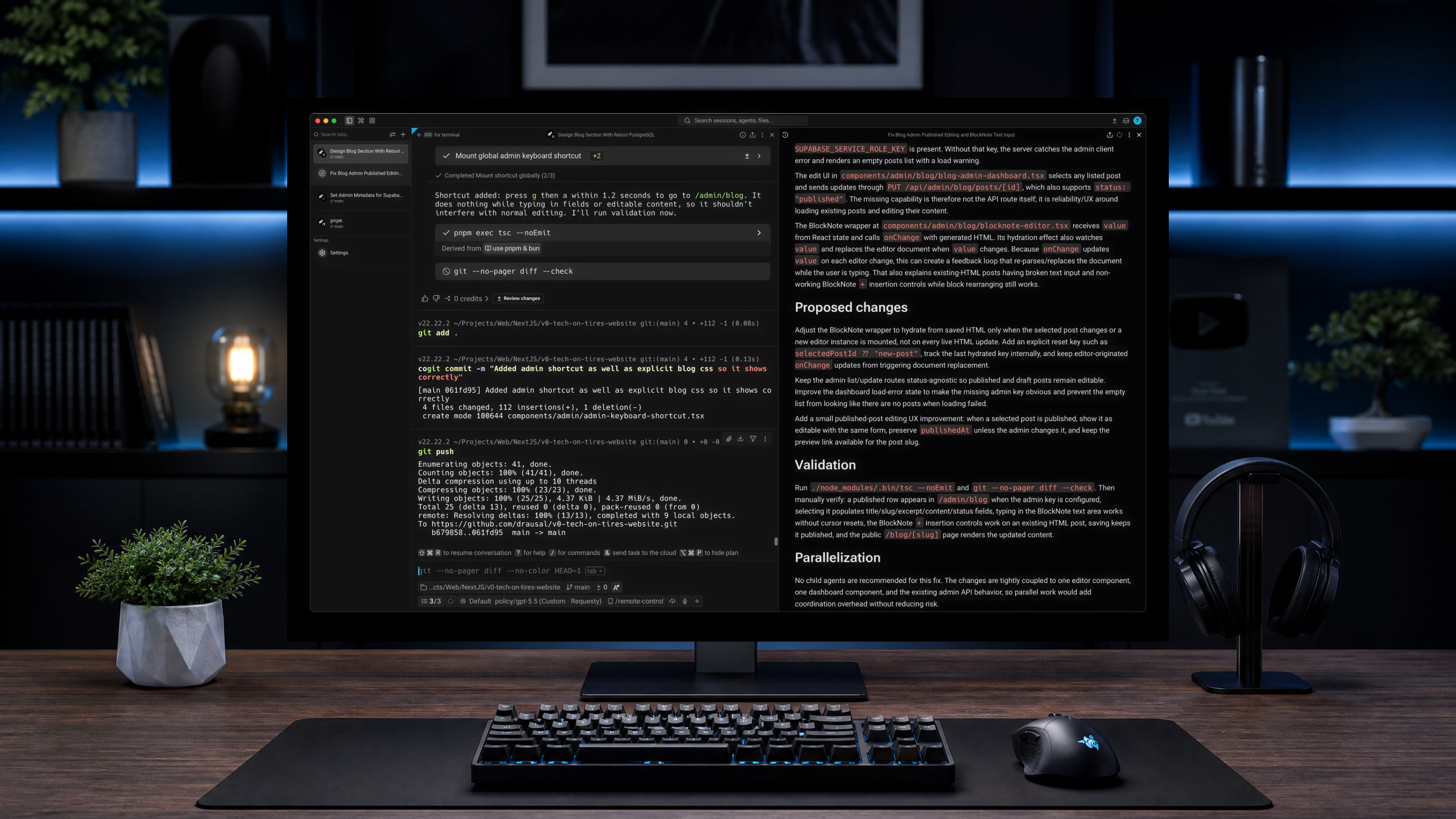
I think we need to be honest about the terminal. We spend our entire careers in it, yet we tolerate a user experience that peaked in the 1980s. Confucius said a mechanic who wants to do good work must first sharpen his tools. We are out here trying to keep production servers from crashing while fighting an interface that won't let us use a mouse to fix a typo.
In Being and Time, Martin Heidegger used the concept of ready-to-hand. Think about using a hammer. When things go well, you don't actually look at the hammer. The tool becomes invisible. You just see the nail and the wood. But when the handle snaps, it becomes present-at-hand. You stop looking at the work and stare at the broken tool.
For decades, the terminal has been aggressively present-at-hand. Every time you leave your editor to search Google for how to untar a file for the hundredth time, the flow state breaks. You are no longer building software. You are babysitting a text prompt.
Warp originally fixed this with block-based history and simple text navigation. The Rust rendering engine handles massive log outputs without freezing. Instead of a continuous wall of text, the terminal separates commands and outputs into isolated boxes. You can copy an output or clear it entirely without wrecking the rest of your session.
The input behaves like a modern text editor. You can use your cursor to navigate. It sounds completely basic. But after years of mashing the left arrow key to fix a misspelled kubectl flag, it feels like magic.
Then the whole ecosystem of developer tools mutated. The platform turned into an agentic development environment.
We are drowning in agentic tools right now. Claude Code and the Gemini CLI are genuinely impressive. You can tell them to untangle a messy React component or write a deployment script, and they actually do it. The catch is the friction. You usually end up running them in a separate split pane. You copy an error from your build process, paste it into the Claude Code pane, wait for the fix, and paste it back. The AI is brilliant. The workflow is exhausting.
Warp pulled all of this into a single space. You don't have to jump between your editor and the CLI anymore because they dropped a file tree and text editing straight into the terminal window. You can run multiple agents in parallel across different repositories. If you are building a client-server application, you can have one agent refactoring the backend while another updates the frontend. Both run in the same terminal session. The terminal wraps around the AI instead of forcing the AI to live inside a constrained text prompt.
Open-Sourced
When they open-sourced the platform, they did something unusual. They didn't just dump the code. They open-sourced an agent-native workflow. The repository includes explicit instructions for AI agents on how to add feature flags, diagnose CI failures, and write unit tests for the codebase. They treat software contribution as an orchestration problem. The bottleneck is no longer writing the code. The bottleneck is deciding what needs to be built and verifying that it works.
The pricing and telemetry used to be a dealbreaker for a lot of developers. A forced cloud connection for a local terminal is objectively annoying, and nobody wants to send their command metadata to a remote server.
They eventually dropped the paywall on the core features by introducing a Bring Your Own Key model. If you have an API key for your preferred model, you plug it in and run the terminal at full capacity across all major operating systems without paying a monthly subscription.
But for those who want an experience without telemetry, there is a place for you. The open-source release provided the ultimate escape hatch, and the community immediately forked the project to rip out the tracking.
That fork is Zap (https://zap.zerx.dev/). It severs the cloud connection entirely. It removes the telemetry and the forced logins. You get the block-based UI and the local AI capabilities, but everything stays safely on your machine. It is pure offline functionality for developers who refuse to compromise their local environment.
Final Thoughts
Marshall McLuhan wrote that we shape our tools, and thereafter our tools shape us. The traditional command line shaped developers into human encyclopedias of weird bash syntax. A unified, agentic terminal shapes you into an orchestrator. You stop thinking about how to type a command. You just think about what you want to build.